

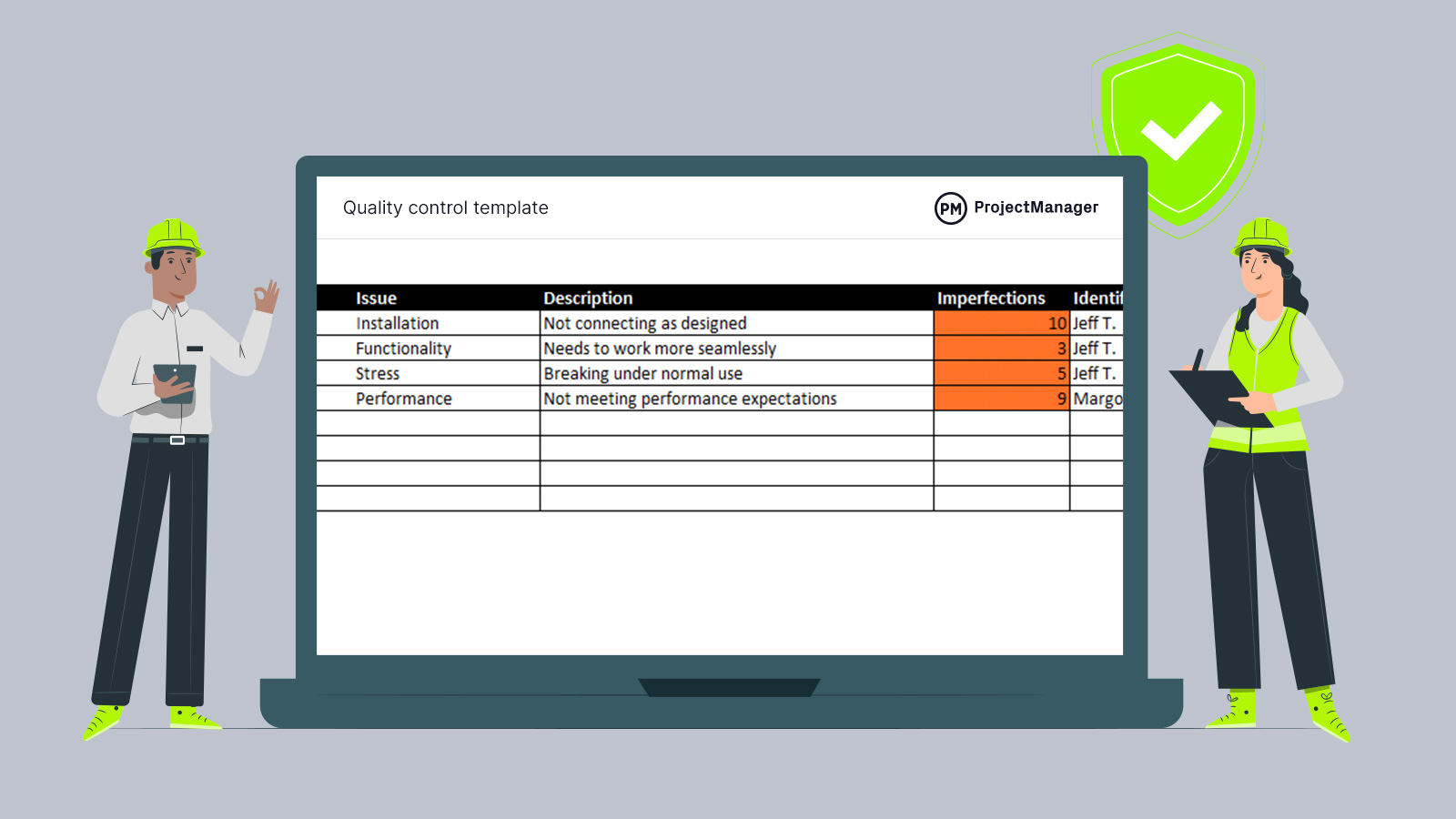
A Quality Assurance (QA) dashboard is an essential platform that helps organisations monitor, measure, and improve performance. It brings together key data from different processes and presents it in a simple, visual format. Instead of relying on scattered reports and spreadsheets, teams can view critical quality metrics in one place and make faster, smarter decisions.
What Is a QA Dashboard?
A QA dashboard is a digital interface that displays performance indicators related to service quality, compliance, and operational efficiency. It is widely used in contact centres, software testing, manufacturing, and customer service environments.
The main purpose of a QA dashboard is to:
- Track quality performance in real time
- Highlight trends and problem areas
- Measure compliance with standards
- Support coaching and improvement
- Provide clear reporting for managers
By transforming raw data into meaningful visuals, the dashboard becomes a powerful decision-making tool.
Core Components of an Effective QA Dashboard
Not all dashboards are equally useful. A well-designed QA dashboard includes specific elements that help teams understand performance quickly.
Key components include:
1. Performance Metrics
Scores, ratings, and pass/fail results
2. Visual Charts and Graphs
Easy-to-read representations of data
3. Real-Time Updates
Instant visibility of current performance
4. Custom Filters
Ability to view data by team, agent, or time
5. Trend Analysis
Comparison of results over weeks or months
These features ensure that the dashboard delivers actionable insights rather than just raw numbers.
Benefits of Using a QA Dashboard
Implementing a QA dashboard brings significant advantages to organisations of all sizes.
1. Improved Visibility
Managers and team leaders gain instant access to important information such as:
- Individual and team performance
- Quality scores and evaluation results
- Common errors or knowledge gaps
- Compliance issues
This visibility removes guesswork and allows leaders to focus on real priorities.
2. Faster Decision Making
With data displayed clearly and visually, organisations can:
- Identify problems early
- Take corrective action quickly
- Allocate resources effectively
- Adjust processes based on evidence
Instead of waiting for weekly or monthly reports, teams can respond immediately.
How QA Dashboards Enhance Quality Processes
A strong QA dashboard does more than display information. It actively improves the entire quality management process.
1. Standardisation
Dashboards ensure that everyone measures quality in the same way by:
- Using consistent evaluation criteria
- Applying uniform scoring methods
- Providing a single source of truth
This standardisation increases fairness and accuracy across teams.
2. Accountability
Clear performance data encourages accountability by:
- Setting measurable goals
- Tracking individual responsibility
- Highlighting areas that need attention
When expectations are visible, maintaining high standards becomes easier.
Features to Look for in a QA Dashboard
When choosing or designing a QA dashboard, organisations should consider several important features.
Essential capabilities include:
These features ensure that the dashboard remains practical and valuable for daily use.
Conclusion
A QA dashboard is far more than a reporting tool. It is a strategic platform that connects data, people, and performance. For any organisation focused on quality, it is an investment that delivers long-term results.